
Software for Employer DPC Contracts, from Enrollment to Reporting
An employer DPC contract runs on four steps after the deal is signed. You enroll the employees who opt in, keep your member list matched to the employer's eligibility file as people join and leave, send one consolidated invoice each month, and give the employer reports that show what they're paying for. Hint is the clearest published software for all four, with employer billing, eligibility autosync and consolidated billing on its Pro ($320 a month) and Scale ($770 a month) plans. Most other DPC EMRs don't publish employer tools, so you'll usually pair one with Hint or a spreadsheet.
Every price here is the vendor's published number, checked on each vendor's site in November 2026.
How an employer contract differs from a regular membership
With an individual member, one person signs up and one card pays one fee. With an employer, the company pays for a group of people who change every month, often under a rate per employee per month (PEPM) or per enrolled member per month (PEMPM). The employer wants one invoice, the employees still want to feel like your patients, and the list of who is covered can come from HR, from a benefits administrator, or from a third-party administrator (TPA) that runs the company's health plan.
That's a different shape of work from regular membership billing, and it's why many tools that handle individual members well don't handle employers at all. The contract terms themselves, and how a DPC benefit sits alongside an employer's health plan or a health savings account, raise legal and tax questions that vary, so have a healthcare attorney review your employer agreement.
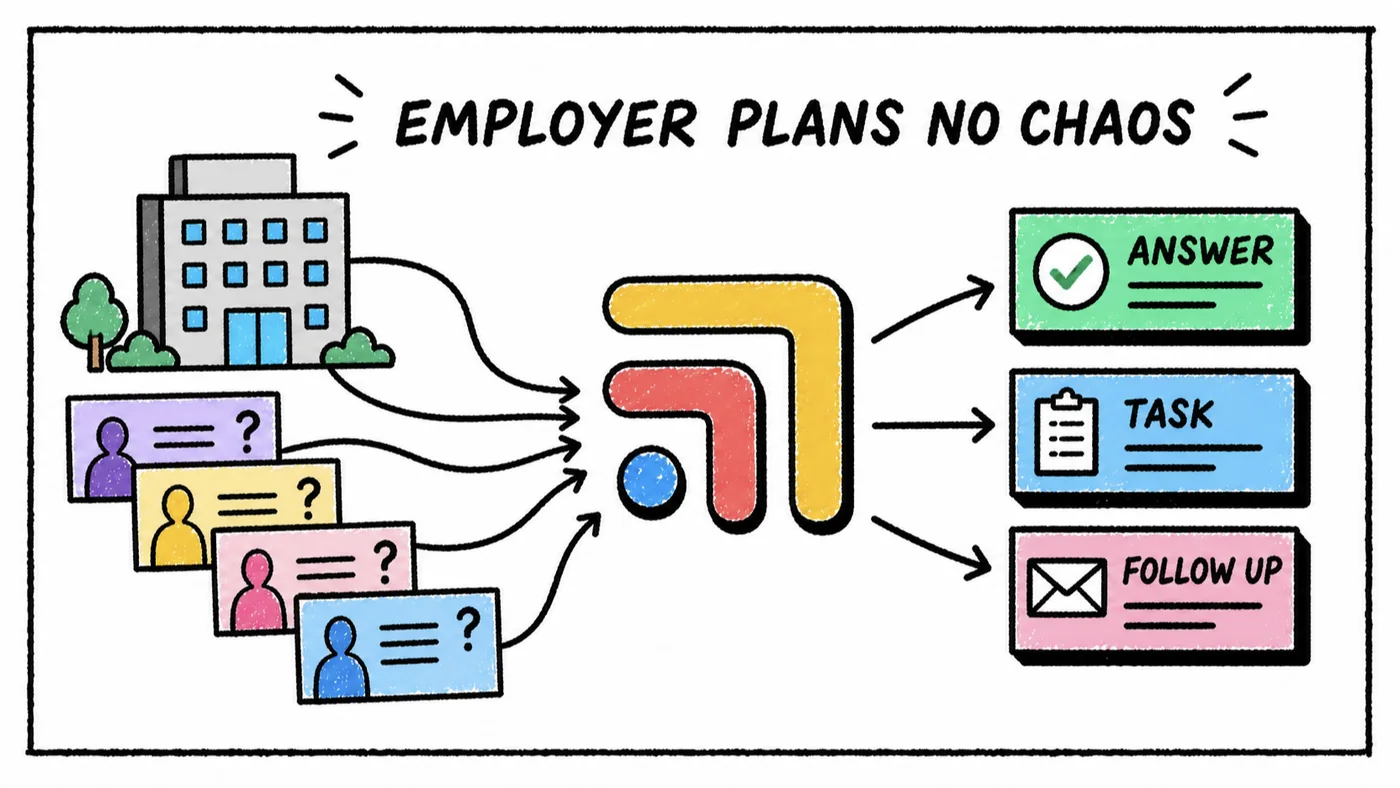
The four steps at a glance
| Step | What happens | Where it breaks |
|---|---|---|
| 1. Enrollment | Employees sign up under the employer | Missing dependents, wrong plan |
| 2. Eligibility | Roster updates as people join and leave | Leavers stay on, new hires missing |
| 3. Invoicing | One bill to the employer | Invoice doesn't match the roster |
| 4. Reporting | Employer sees use and value | Data pulled by hand each quarter |
Step 1: Enrolling employees
Enrollment is the first time employees meet your clinic, so it's as much a welcome as a data entry task. Each person needs to land on the right employer plan, with dependents attached where the contract covers them, and with no personal card on file being charged for something the employer pays for.
The most common mistake isn't anyone's fault. An employee signs up through your regular membership page because that's the link they found, and now they're on an individual plan paying their own fee. Look for software that gives each employer its own enrollment path, so the employer's people land on the employer's plan without your team moving them by hand.
Step 2: Eligibility files
An eligibility file (sometimes called a census or roster) is the employer's list of who is covered. It arrives monthly or more often, and each version adds new hires and drops people who left. Your member list should match it, since the employer will only pay for people on their list, and a former employee who keeps booking visits is a cost nobody agreed to.
There are two ways to keep up. Someone on your team compares each new file against your member list by hand, or the software reads the file automatically and makes the changes. The manual way works for one small employer and becomes a monthly afternoon of spreadsheet work once you have several.
Before you sign a new employer, ask who will send the eligibility file, in what format and how often. That one answer tells you whether a spreadsheet will do or you need an automated feed.
Hint eligibility autosync
Hint offers eligibility autosync, which reads an employer's or TPA's file automatically. Pro includes one feed and Scale includes three, and each extra feed is $75 a month on either plan. It isn't available on Launch. If you have four employers each sending their own file through Pro, that's one included feed and three extra, or $225 a month on top of the plan.
Step 3: Invoicing the employer
Employers expect one invoice, usually monthly, that shows who was covered and what they owe. The invoice should come straight from the same member list that eligibility updated, so the two can't drift apart. When the invoice is built in a spreadsheet and the member list lives in your billing software, someone has to reconcile them every month, and a mismatch is the kind of thing an employer's finance team will question.
Hint includes consolidated billing for employer-sponsored memberships on Pro and Scale, alongside its individual member billing. If you're building your own billing on Stripe, its billing tools let you write custom billing logic, at 0.7% of billing volume on pay as you go plus card fees of 2.9% plus 30¢, and ACH Direct Debit at 0.8% capped at $5. That route suits a clinic with someone technical who's comfortable setting it up.
Step 4: Reporting to the employer
Employers renew contracts when they can see value. At minimum they'll want to know how many of their people enrolled and how many used the clinic. Larger employers often want cost and utilization trends they can compare against their claims.
Most DPC software doesn't publish employer reporting features, so ask on each demo what you could hand an employer at renewal time. Hint Scale lists engagement tracking, and Hint's data exporter ($500 a month on Pro or Scale) or API add-on ($100 a month on any plan) can get your data out for your own reports. Health Compiler focuses on employer analytics, with cost, utilization and performance trends and clinical outcome tracking, and its pricing is quote-based.
Which tools handle each step
| Tool | Steps it covers | Published price |
|---|---|---|
| Hint Pro | Enrollment, eligibility (1 feed), invoicing | $320/mo, 1 clinician, 100 members |
| Hint Scale | All four, 3 feeds, engagement tracking | $770/mo, 500 members, plus $500 onboarding |
| Extra eligibility feed | Eligibility | $75/mo per feed (Pro, Scale) |
| Health Compiler | Reporting | Quote-based |
| Stripe | Invoicing (build your own) | 0.7% of billing volume, plus card fees |
Hint plans in more detail
Pro is $320 a month with one clinician and 100 members, with $36 a month for each additional 50 members, and card processing at 2.75% plus $0.30 (ACH 0.75% plus $0.25). Scale is $770 a month with one clinician and 500 members, $140 a month per extra 250 members, card processing at 2.60% plus $0.30, and a required paid onboarding of $500. Scale also lists affiliate management and commission tracking, which matter if brokers bring you employers. Pro, Scale and Enterprise are also sold as billing-only plans if you want to keep your current EMR and run only memberships and billing on Hint.
If you're on a different EMR, Hint's billing can sit beside it. Akute, for example, offers Hint Core billing as a $50 a month add-on on its Essentials plan. Spruce can also pull Hint's tags, including employer, into its messaging inbox, so your team can see which employer a member belongs to when they text.
Hint Connect
Hint also runs Hint Connect. Its overview document lists approximate rates for DPC services on Connect of about $85 per enrolled adult per month, about $45 per enrolled child per month, and $40 per member per month for virtual-only care. Ask Hint how practices join Connect and how those rates apply to your clinic before you count on them.
Finding employers
Two marketplaces work on the other side of the deal. Aligned connects self-insured employers to independent primary care and maps an employer's workforce locations against nearby clinics. Apaly lets you set your own rates within employer-aligned caps for adults and children, and pays you through its platform. Neither publishes a clinic-side subscription price we could confirm, so ask each how they're paid. Employer members still need to be billed and tracked once they arrive, which is where the tools above come in. Our membership billing software guide covers the individual side.
Our take
If employers are part of your plan, choose your billing software with them in mind from the start, since moving employer members later is harder than moving individual ones. Hint Pro is the most direct published fit for a first employer or two, and Scale makes sense once several employers are sending their own eligibility files and you need reporting at renewal. Whatever you choose, settle the eligibility file format and invoice schedule before you sign the contract, not after the first month. For how employer billing fits into the rest of your software, see the best direct primary care software, job by job.
The part most guides skip
Every tool in a DPC clinic is good at its own job, and none of them were built to talk to each other. A patient text turns into a refill in the chart, which needs a review, which needs a reply, and the follow-up lives in someone's head. That isn't anyone's fault. The tools just don't share a to-do list.
That's the job Tabflows does. Tabflows is a dedicated tech team for DPC clinics. We connect the tools you already chose and give your team one place for chat, tasks and patient context, with managed workflows for the repeat work like refills, lab follow-ups and onboarding. You keep every tool you picked.
Frequently asked questions
What software do DPC practices use for employer contracts?
Hint is the main published option, with employer-sponsored memberships, employer enrollment, eligibility autosync and consolidated billing on its Pro ($320 a month) and Scale ($770 a month) plans, though not on Launch. Most EMRs don't publish employer billing tools, so ask on the demo.
What is an eligibility file in direct primary care?
It's the list of employees (and often dependents) an employer says are covered, usually sent by HR or the employer's benefits administrator. Each new file adds new hires and removes people who left, so your member list and your invoice stay matched to it.
How much does Hint eligibility autosync cost?
Pro includes one eligibility autosync feed and Scale includes three. Each extra feed is $75 a month on either plan, and the add-on isn't available on Launch (published price, November 2026).
What does PEPM mean in DPC employer contracts?
PEPM means per employee per month, the most common way employers pay for DPC. Some contracts price per enrolled member per month instead (PEMPM), with different rates for adults and children.