
Lab Ordering and Results Follow-Up in DPC, Step by Step
A good DPC lab workflow has five steps, and software helps with each one differently. You order the test (ideally electronically, at your negotiated cash price), the result lands in the chart, a clinician reviews it, someone tells the patient, and any abnormal result gets a follow-up that is tracked until it closes. Your EMR handles the first three well. The last two are where results most often stall, and they usually need a messaging tool and a simple task list working beside the chart.
Below we walk through each step, what tends to go wrong, and which tools cover it, with each vendor's published price (checked on each vendor's site in November 2026).
The five steps at a glance
| Step | What happens | Where it breaks |
|---|---|---|
| 1. Order | Test chosen, requisition sent, sample drawn | Paper requisitions, wrong price quoted |
| 2. Result lands | Lab sends it back to the chart | Arrives by fax, or unmatched to a patient |
| 3. Review | Clinician reads and signs off | Sits in a queue during a busy week |
| 4. Tell the patient | Member hears what it means | Signed off but never sent |
| 5. Abnormal follow-up | Repeat test, visit or referral | Nobody owns the next step |
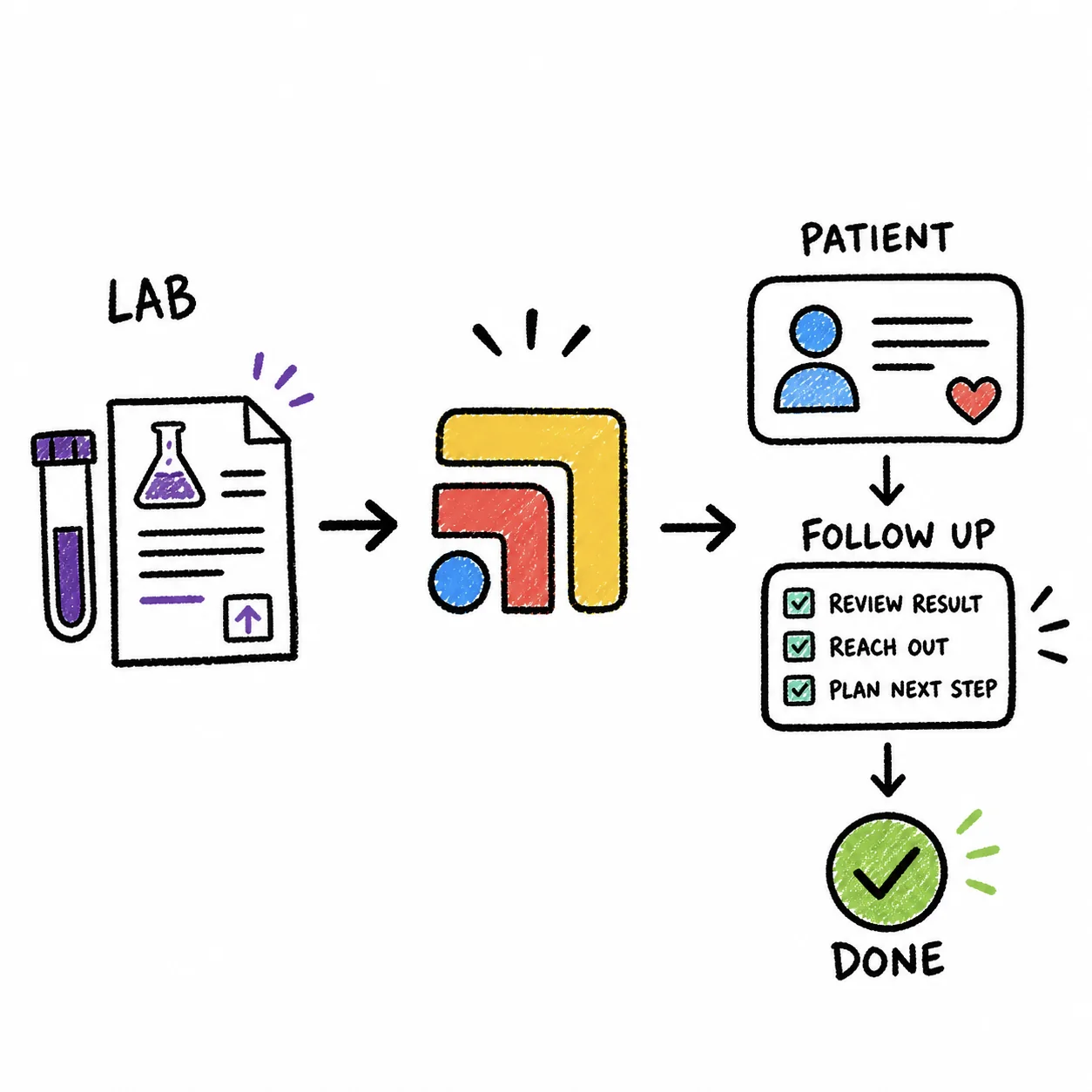
Step 1: Ordering the test
In a fee-for-service clinic, ordering a lab is mostly a clinical decision. In DPC it is also a pricing decision, because many members pay for labs out of pocket and one of the reasons they joined was your access to low cash prices. A lot of DPC clinics set up cash pricing directly with a lab and pass it on at or near cost. Those prices depend entirely on your lab and your agreement, so keep your current price list somewhere your whole team can see it, and update it when the lab sends a new one.
The software question here is whether the order travels electronically. An electronic order (often called a bi-directional or two-way lab interface) sends the requisition straight to the lab and brings the result back into the same patient's chart. A paper or faxed requisition works, but it creates a second chance for a typo in a name or date of birth, and that typo is what later produces a result nobody can match.
What to look for
Ask each EMR vendor which labs it connects to by name, including your regional lab, and whether that connection runs both ways. Ask whether you can draw in your office and send the sample out, since that is how many DPC clinics keep costs and patient trips down. Ask, too, whether the order screen can show the member's cash price, or whether your team has to look it up separately.
Step 2: The result lands
When the interface works, the result appears in the patient's chart, often with abnormal values flagged. When it doesn't, results come in by fax, by the lab's own web portal, or as a PDF a member uploads from an outside clinic. Each of those needs a person to match the document to the right chart and file it.
This is the first quiet failure point. A fax that lands in a shared inbox at 6pm on Friday is easy to miss, and an outside result attached as a scanned image may not show up in the place your clinician looks for new labs. Specialty labs (common in clinics that do more functional or preventive testing) can be harder still, because their reports arrive as long PDFs rather than discrete values you can trend.
Pick one place where every result, from any source, has to end up before it counts as received. If a result can arrive by fax, decide who checks the fax line and when.
Step 3: Review and sign-off
Most EMRs give you a results inbox where new labs wait for a clinician to read and sign them. This step works well when the volume is steady and stalls when it isn't, for example after a week of physicals or when the doctor is out. A solo DPC doctor is often reviewing results between visits and messages, so the tool that makes review fastest is the one that shows the result next to the last value and the reason it was ordered.
Look for trending (seeing this A1c next to the last three), a clear flag on abnormal values, and the ability to write the patient-facing note right from the result. If the review screen and the messaging screen are in different apps, step four becomes a copy-and-paste job.
Step 4: Telling the patient
This is the step members notice most, and it is where the tools tend to drop the ball. A clinician signs off on a normal result, the chart shows it as reviewed, and the member, who is paying a monthly fee partly for this kind of access, is still waiting to hear whether their thyroid is fine.
The fix is to treat "patient told" as its own recorded step rather than assuming it happened. Some clinics release normal results to the portal with a short note in plain English. Others prefer a secure text, since members read texts faster than portal notifications. Whichever channel you use, the message should end up in the chart so the next person who opens it knows the member has heard.
Portal or text?
Your EMR's portal keeps the result and the explanation together, which is tidy for the record. A shared texting inbox like Spruce reaches members faster and lets the team see replies, and Spruce can sync texts and voicemails into the Elation chart. Many clinics use both, the portal for the full report and a text to say it's there. Our guide to patient texting software for DPC compares the messaging options in detail.
Step 5: Abnormal results and closing the loop
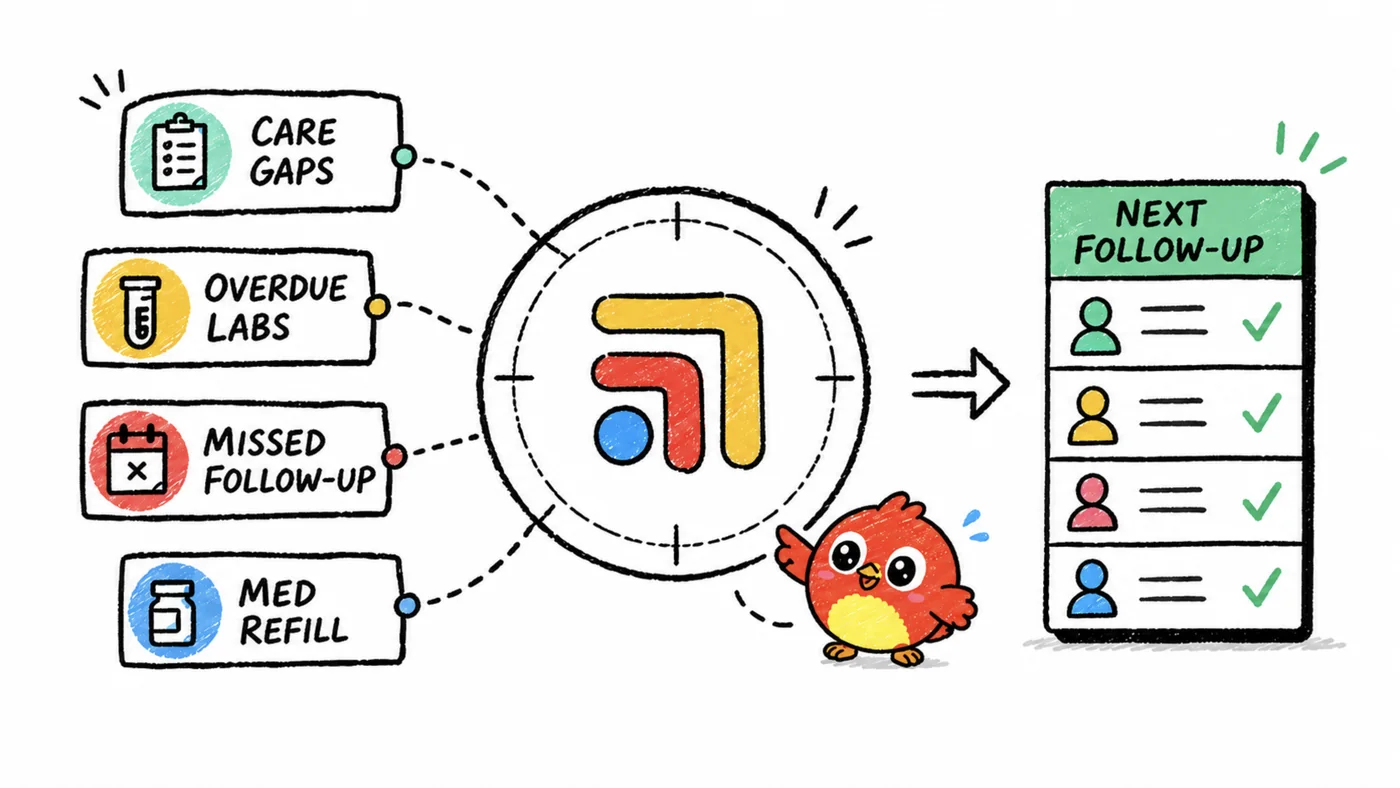
An abnormal result starts a small project. It might need a repeat test in six weeks, a visit, a medication change (which may lead into your refill workflow), or a referral. Each of those has a date in the future, and future dates are exactly what busy clinics lose track of, not because anyone is careless but because the chart was built to store results, not to chase them.
What helps is a follow-up list with an owner and a due date for every open item, and a check each week of anything past due. Some EMRs let you create tasks from a result. If yours doesn't, a separate task tool can hold the list, though then someone has to keep the two in step.
Which tools handle each step
Lab ordering and results almost always come with your EMR, so the bigger choice is which EMR, plus what you add for steps four and five.
| Tool | Steps it covers | Published price |
|---|---|---|
| Atlas.md | Order, results, review | $300/mo per provider |
| Akute | Order, results, portal message | $300/mo (1 clinician, 100 patients) |
| Cerbo | Order (bi-directional), results | $281/mo per prescribing provider |
| Hint (with EMR) | Order, results | $290/mo (Launch) |
| Elation | Review, portal message | $375/mo per provider (DPC) |
| Spruce | Tell the patient | $24 or $49/mo per user |
| Dock Health | Track follow-ups | Ask on the demo |
The EMRs
Atlas.md lists lab integrations with your preferred provider, from Quest and Labcorp to smaller regional labs, all on its single $300 a month per-provider price with unlimited patients. That makes it a strong fit if your local lab is a regional one. Akute includes lab ordering and results on its plans, starting at $300 a month for one clinician and 100 patients ($0.75 for each extra patient), and it has secure portal messaging for sending results. Cerbo offers bi-directional lab integrations that submit requisitions electronically, at $281 a month for a full-time prescribing provider, with a patient portal at $79 a month and incoming e-fax at $27 a month for 500 pages (useful for the results that still arrive by fax). Hint includes labs with its EMR, starting at $290 a month on Launch.
Elation ($375 a month per provider on its Standard DPC plan) gives patients secure portal access to messages and reports, and its clinical insights summarize the patient's health story from the chart, which helps at review time. We didn't find a published list of its lab connections, so ask on the demo which labs it connects to. If your practice leans on specialty labs, Ultralight says it parses and trends specialty lab reports with no re-keying. Its price is quote-based.
Around the EMR
For telling the patient, Spruce Basic is $24 a month and Communicator is $49 a month per teammate, with a BAA on every plan. For tracking abnormal follow-ups, Dock Health is a healthcare task workspace that can escalate items based on thresholds and triggers you set, and its pricing is quote-based. If results still come by fax and your EMR's fax isn't enough, Documo Solo Cloud Fax is $25 a month billed annually.
When the result lives in the EMR, the message in a texting app and the follow-up in a task list, someone has to keep the three in step. That's not a staffing problem, it's that these tools were never built to talk to each other. A dedicated tech team that connects the tools a clinic already uses, like Tabflows, can close that gap, and our guide to whether your DPC tools talk to each other shows which connections exist today.
Our take
Choose your EMR on steps one through three, by asking which labs it connects to (by name, including your regional lab) and how fast its review screen is. Then design steps four and five on purpose, with a recorded "patient told" step for every result and a follow-up list with an owner and a date for every abnormal one. That is where members feel the difference, and it's the part no EMR fully does for you. For how labs fit into the rest of your software, see the best direct primary care software, job by job.
The part most guides skip
Every tool in a DPC clinic is good at its own job, and none of them were built to talk to each other. A patient text turns into a refill in the chart, which needs a review, which needs a reply, and the follow-up lives in someone's head. That isn't anyone's fault. The tools just don't share a to-do list.
That's the job Tabflows does. Tabflows is a dedicated tech team for DPC clinics. We connect the tools you already chose and give your team one place for chat, tasks and patient context, with managed workflows for the repeat work like refills, lab follow-ups and onboarding. You keep every tool you picked.
Frequently asked questions
Which DPC EMRs connect to Quest and Labcorp?
Atlas.md says it connects to large labs like Quest and Labcorp as well as smaller regional labs. Akute includes lab ordering and results on its plans, Cerbo offers bi-directional lab integrations that send requisitions electronically, and Hint includes labs with its EMR. Confirm your specific local lab on the demo.
How do DPC clinics get cheaper lab prices for members?
Many DPC clinics arrange cash pricing directly with a lab and pass it on to members. Prices depend on your lab and your agreement, so ask your lab rep for their current cash price list rather than relying on a number you saw online.
How should a DPC practice tell patients their lab results?
Most clinics send normal results with a short plain-English note through the portal or a secure text, and call or book a visit for anything abnormal. The key is that every result gets a recorded "patient told" step, so nothing waits silently in the chart.
What is the most common place lab results get missed?
Results rarely get lost at the order. They stall after they arrive, when a result is reviewed but the patient never hears back, or when an abnormal value needs a repeat test that nobody schedules.