
Scheduling Software for Direct Primary Care (EMR Calendar vs Calendly, Cal.com, Acuity)
Most direct primary care (DPC) clinics end up with two kinds of booking, and the best scheduling software depends on which one you're solving. For meet-and-greets with people who aren't members yet, a simple public link like Calendly or Cal.com is usually the easiest fit, as long as it asks no health questions. For clinical visits with members, your EMR's own calendar (or a scheduler set up for healthcare, like Cal.com or PracticeQ) keeps the visit tied to the chart. Trying to make one tool do both is where most clinics run into double-booking and retyping.
Prices below are published prices, checked on each vendor's site in November 2026.
Two kinds of appointments, two different jobs
A meet-and-greet and a sick visit look alike on a calendar, but they're different jobs. The meet-and-greet is a sales conversation with someone who found your website and wants to know if you'll be their doctor. Nothing clinical happens, and ideally nothing clinical gets collected. A member visit is care, which means it touches the chart, may involve a reason for the visit, and often needs a room, a video link or a lab draw.
| Meet-and-greet | Member visit | |
|---|---|---|
| Who books | A prospect from your website | An existing member |
| Health questions | None | Often a reason for visit |
| Where it should live | Public booking link | EMR or healthcare scheduler |
| What happens after | They sign up (or don't) | Note, orders, follow-up |
Keeping these two apart is the simplest way to stay on the safe side. A general scheduling link is fine for "Hi, I'd like to learn about your practice." It's not the place for "I've had chest pain for two days."
On your meet-and-greet form, ask only for name, email, phone and how they heard about you. Leave the reason-for-visit box off entirely, so no one types symptoms into a tool that isn't set up for health information.
The scheduling workflow, step by step
Here's how booking moves through a typical DPC clinic, and where it tends to break.
Step 1: a prospect books a meet-and-greet
Someone reads your website at 10 p.m. and wants fifteen minutes with you. They need a link that shows real open times and confirms instantly. Where it breaks is when that link reads a different calendar from the one your clinic actually runs on, so the doctor gets booked for a meet-and-greet during a member visit. Look for a tool that checks your real calendar for conflicts before offering a time.
Step 2: reminders and showing up
Meet-and-greets are free, so no-shows are common. Automatic email or text reminders help a lot, and so does a clear video link or address in the confirmation. Ask whether reminders go out by text, email or both, and whether the person can reschedule from the reminder.
Step 3: the prospect becomes a member
This is the handoff that usually involves retyping. The person who booked in your scheduling tool now needs to exist in your billing system and your chart. If your scheduling link doesn't connect to either, someone copies their name, email and phone by hand. That's not anyone's fault, since these tools were never built to talk to each other. Our guide to patient intake forms for DPC covers what comes next, when the new member fills out forms and signs your agreement.
Step 4: members book and reschedule visits
Once someone is a member, their visits belong next to their chart. Booking there means the visit shows up on the clinical schedule, the note is ready when they arrive, and any follow-up lands in the right place. Many DPC clinics let members request visits by text instead of a self-booking page, so think about whether your members will actually use a booking link or will just message you. If texting is the real front door, see patient texting software for DPC.
Step 5: video visits
If you see members by video, the scheduler needs to send the right link. EMRs with built-in video handle this inside the visit, for example Elation's integrated telehealth at $25 a month per provider, Cerbo's at $27 a month per provider, and Akute, which includes telemedicine on its plans. Telehealth software for DPC compares built-in and standalone video.
Using your EMR's calendar
For member visits, the EMR is usually the right home. The visit lands on the same record as the chart, there's one source of truth for the doctor's day, and you don't need a separate agreement with another vendor for health information. Most DPC EMRs include a calendar, but they differ a lot in whether they offer a public self-booking page, what members see, and whether meet-and-greets can live there too. None of the EMR pricing pages we checked spell out scheduling details, so ask on the demo to see the member's booking screen, not just the staff calendar.
Two all-in-one options publish scheduling as part of the package. Jane brings scheduling, charting, billing, payments and patient communication into one system and supports packages and memberships. Its pricing isn't in the facts we checked, so ask for a quote for your setup. PracticeQ's Practice Management plan is $84.90 a month (or $59.90 for low volume, plus $30 per additional practitioner) and includes complete appointment management, appointment reminders and a booking widget, along with intake forms and payments.
Standalone schedulers, compared
When the EMR calendar doesn't offer a good public link, or you want meet-and-greets on a page you fully control, a standalone scheduler fills the gap.
| Tool | Published price | Best for |
|---|---|---|
| Calendly | $10 to $24 a month by plan | Meet-and-greets that ask no health questions |
| Cal.com | $12/user/mo Teams, $28 Organizations (yearly) | A customizable scheduler offered with HIPAA compliance |
| Acuity Scheduling | $55/mo yearly, $69/mo monthly (Premium) | A branded page where people pay when they book |
| PracticeQ | $84.90/mo (Practice Management) | Booking, forms and payments together |
| Google Calendar | Part of Google Workspace | Clinics already on Workspace |
Calendly
Calendly is the easiest link to drop on a website, with plans listed at $10 (Standard), $16 (Teams), $18 (Standard Plus) and $24 (Teams Plus). It also handles meeting recaps and follow-ups. It's the right fit for a meet-and-greet that asks no health questions, and we'd keep it there rather than using it for member visits.
Cal.com
Cal.com is open-source scheduling you can customize, white-label or even self-host. It says healthcare practices use it as patient scheduling software with HIPAA compliance, which makes it the standalone option most suited to clinical bookings. The Teams plan is $12 per user a month and Organizations is $28 per user a month, both billed yearly. As with any tool that will hold health information, sign a business associate agreement before you use it for member visits.
Acuity Scheduling
Acuity lets people book on a branded page and pay when they book, at $55 a month on the annual Premium plan or $69 month to month. Paying at booking can be handy for a paid consult or a non-member visit. Since its published materials don't speak to healthcare specifically, keep it to bookings that collect no health information, or ask Acuity about a business associate agreement first.
Google Calendar booking pages
If your clinic already runs on Google Workspace, Google Calendar's booking pages let people book time directly on your calendar. It's a simple way to offer meet-and-greets without adding another vendor. Treat it the same way as Calendly, for conversations that ask no health questions.
Our take
Use two tools for two jobs and keep them on one calendar. A simple public link (Calendly, Cal.com or Google's booking pages) handles meet-and-greets that ask nothing clinical, and your EMR handles member visits so they stay attached to the chart. If you want one scheduler for both, Cal.com and PracticeQ are the published options set up with healthcare in mind. Whatever you choose, make sure the meet-and-greet link reads your real clinic calendar, because double-booking the doctor costs you more than any subscription. For how scheduling fits into the rest of your stack, see the best direct primary care software, job by job.
The part most guides skip
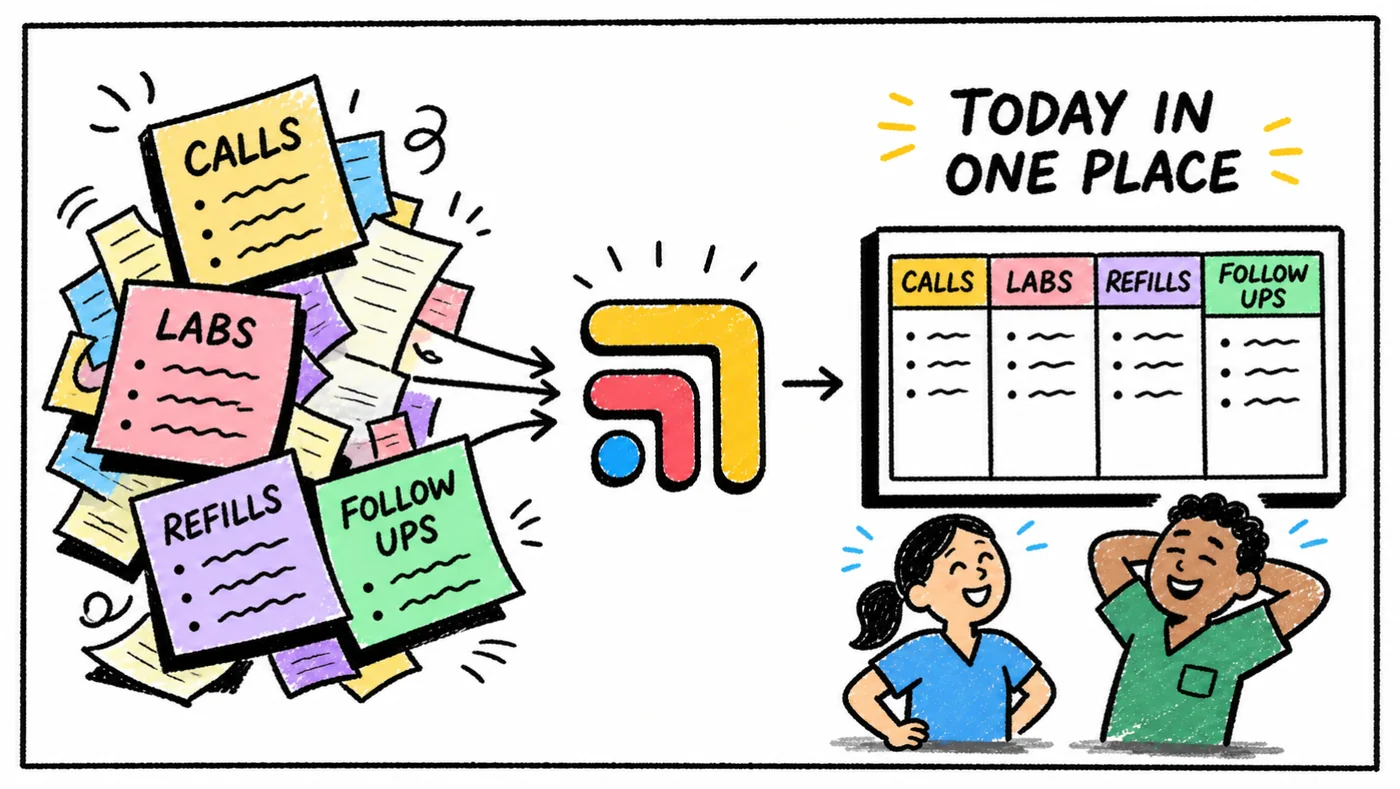
Every tool in a DPC clinic is good at its own job, and none of them were built to talk to each other. A patient text turns into a refill in the chart, which needs a review, which needs a reply, and the follow-up lives in someone's head. That isn't anyone's fault. The tools just don't share a to-do list.
That's the job Tabflows does. Tabflows is a dedicated tech team for DPC clinics. We connect the tools you already chose and give your team one place for chat, tasks and patient context, with managed workflows for the repeat work like refills, lab follow-ups and onboarding. You keep every tool you picked.
Frequently asked questions
What scheduling software should a DPC clinic use?
Most clinics book member visits in their EMR's calendar and use a simple public link for meet-and-greets. Calendly (from $10 a month) works for meet-and-greets that ask no health questions, and Cal.com ($12 per user a month, yearly) is offered with HIPAA compliance for healthcare practices.
Can I use Calendly for patient appointments?
Calendly is best kept for meet-and-greets and other conversations that ask no health questions. For clinical visits, book inside your EMR or a scheduler set up for healthcare, and sign a business associate agreement with any tool that will hold health information.
What is a DPC meet-and-greet?
It's a short, free conversation where a prospective member meets the doctor, asks how the practice works and decides whether to join. It's a sales conversation rather than a visit, so it doesn't need to collect any health information.
How much does Acuity Scheduling cost?
Acuity's Premium plan is published at $55 a month billed annually or $69 a month billed monthly, and it lets people pay when they book.