
Patient Intake Forms and E-Signatures for DPC
Patient intake in direct primary care is three jobs that feel like one to the new member. They sign a membership agreement and consents, they fill out a health history, and that history has to end up in the chart before their first visit. PracticeQ is the strongest standalone tool for all three (forms, e-signatures and a HIPAA BAA from $29.90 a month), Jotform suits clinics that like building their own forms, and your EMR's built-in forms are worth trying first because they skip the copy-into-the-chart step entirely.
Below we walk through the intake workflow one step at a time, show where it tends to break, and then match tools to each step. Every price is the vendor's published number, checked on each vendor's site in November 2026.
The intake workflow, step by step
Intake starts the moment someone says yes and ends when you open their chart on day one and everything you need is already there. In between, a typical DPC clinic runs four steps.
| Step | What happens | Where it breaks |
|---|---|---|
| 1. Send the packet | Member gets a link after they enroll | Link goes to an old email, or never gets sent |
| 2. Sign the agreement and consents | Member signs, clinic countersigns | Signed copy sits in an email inbox |
| 3. Health history | Meds, allergies, history, goals | Half-finished forms, no reminder |
| 4. Into the chart | Answers become chart data | Someone retypes a PDF |
The pattern is that each handoff between tools is a chance for something to wait. A packet sent from one app, signed in another and reviewed in a third means someone on your team is the glue, and that's where intake quietly eats an afternoon a week.
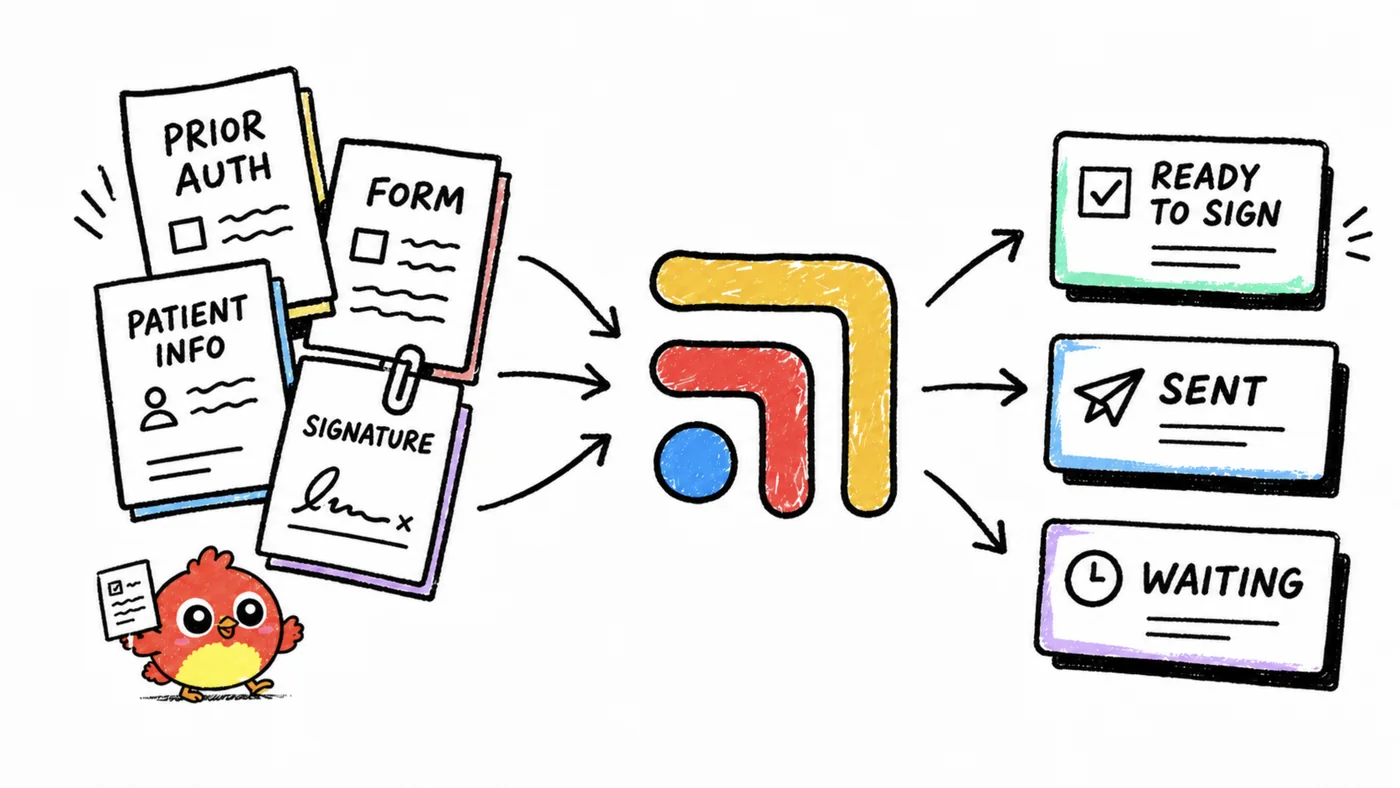
Step 1 and 2: the membership agreement and consents
The membership agreement is the document that makes DPC work. It says what the monthly fee covers, how cancellation works and, usually, that the membership isn't insurance. Alongside it go your consents, which usually include your privacy notice, consent to communicate by text and email, and any telehealth or financial policies you use.
What to look for
The things that matter here are practical. You want the member to sign on a phone without printing anything, you want your own countersignature captured when your agreement needs one, and you want a signed PDF filed somewhere you can find it in two years when a member asks what they agreed to. You also want the signing step to happen right after enrollment, while the member is still excited, rather than a week later when it feels like homework.
Your state may have its own rules about what a DPC membership agreement has to say. Software can collect a signature, but it can't tell you whether the wording is right, so have a healthcare attorney review the agreement before you load it into any tool.
Tools for signatures
PracticeQ includes client and provider e-signatures on its Forms Only plan, so the agreement and the health history can travel in one packet. For a clinic that only wants a dedicated signing tool, DocuSign says its eSignature product can be HIPAA compliant with the correct configuration, and it's built for signing across larger healthcare organizations. Its pricing for a HIPAA setup isn't published, so ask for a quote. Dropbox Sign supports HIPAA compliance for customers on an annual Standard or Premium plan who have a signed Business Associate Agreement (BAA, the contract that makes a vendor responsible for protecting health data) and meet its minimum contract value. Its price is also something to confirm on a sales call.
For most small DPC clinics, a separate signing tool is one more login without much gain. If your forms tool already signs documents, keep the agreement there so the whole packet lives in one place.
Step 3: the health history
The health history is where intake either saves you time or costs you time. A good one means your first visit opens with medications, allergies, past history and the member's own goals already on screen. A weak one means you spend the first fifteen minutes asking questions the member already answered on a form you can't easily see.
What to look for
Look for conditional questions (only ask about pregnancy history when it applies, only ask for a medication list when they say they take something), reminders for half-finished forms, and the ability to accept attachments, since many members will want to upload a photo of a pill bottle or an old lab report. Also check that the form looks like your clinic, because a branded form feels like part of the membership rather than paperwork.
Tools for the health history
PracticeQ is the most complete standalone option. Its Forms Only plan is $54.90 a month ($20 for each additional practitioner) and includes unlimited form templates, branded custom forms, attachments, form reminders and a HIPAA BAA. The low-volume version is $29.90 a month for 10 form submissions, which fits a new clinic still building its first panel. If you also want booking and payments, the Practice Management plan is $84.90 a month ($30 per additional practitioner, or $59.90 for low volume) and adds automated intake, a client portal and a booking widget.
Jotform offers a HIPAA-enabled environment for forms you build yourself, from intake to consent. Gold is $99 a month billed annually or $129 billed monthly. It's a good fit when you like designing forms and want full control over the questions, and less ideal if you want something preset for a medical clinic.
Cognito Forms is another form builder some clinics consider. The only published price in our checked facts is that additional guest users start at $25 a month, so ask on the demo about plan pricing and HIPAA terms before you put health questions in it.
Phreesia handles online registration, medical history, demographics and consents at check-in, but it's built around insured patients and larger multi-provider groups, so it's usually more than a DPC clinic needs.
| Tool | Best for | Published price |
|---|---|---|
| PracticeQ Forms Only | Forms plus signatures | $54.90/mo ($29.90 low volume) |
| PracticeQ Practice Management | Forms, booking, payments | $84.90/mo ($59.90 low volume) |
| Jotform Gold | Build-your-own forms | $99/mo yearly, $129 monthly |
| Cognito Forms | Simple form builder | Ask on the demo |
| DocuSign | Dedicated signatures | Quote-based |
| Dropbox Sign | Dedicated signatures | Quote-based for HIPAA plans |
Step 4: getting it into the chart
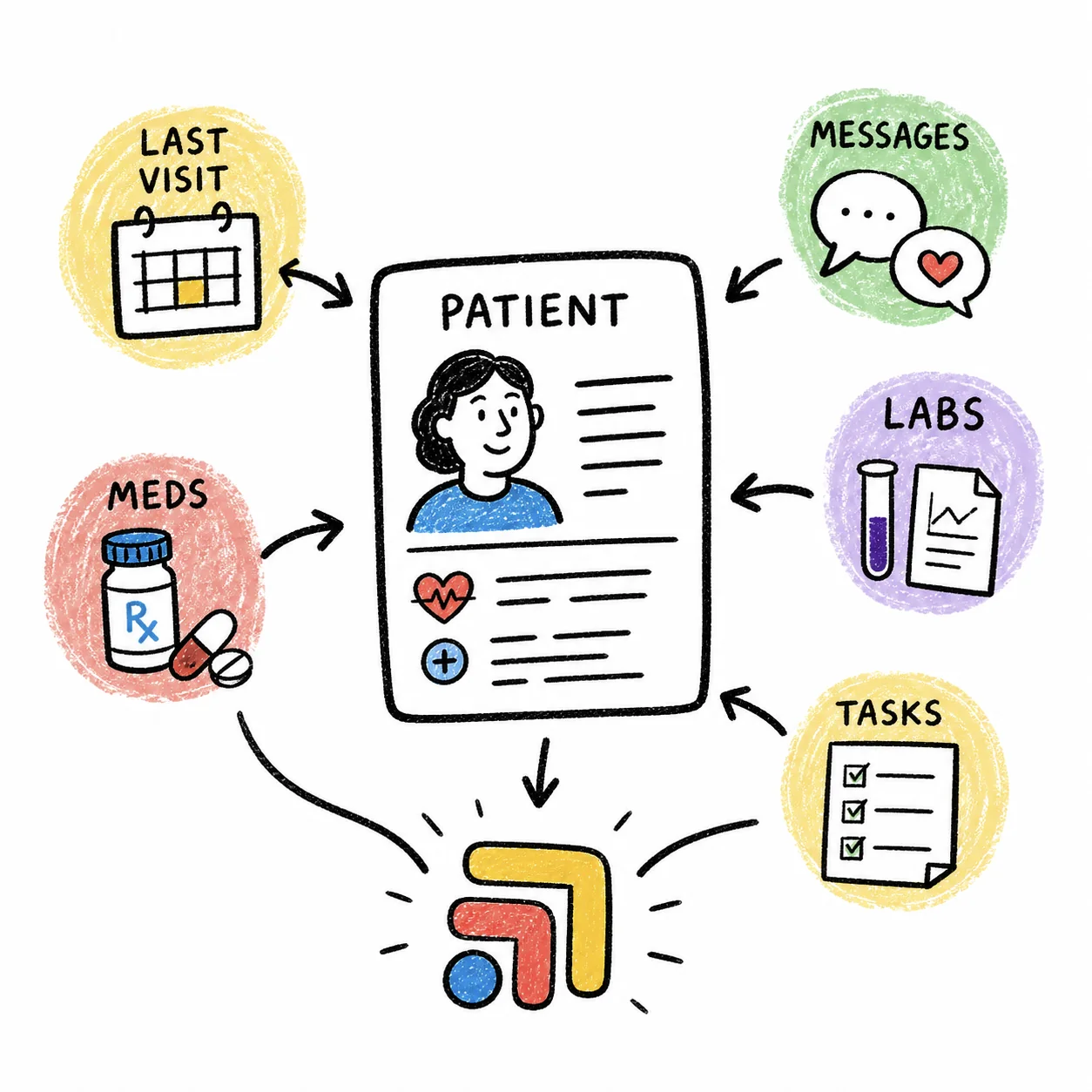
This is the step that most guides skip, and it's the one that decides whether your intake tool saves time. A health history that arrives as a PDF still has to become medications, allergies and problems inside your EMR. If that means someone reads the PDF and retypes it, you've moved the paperwork, not removed it.
Three ways it can work
Forms inside the EMR. Many EMRs include questionnaires in their patient portal, and when answers save straight into the chart there's nothing to copy. The tradeoff is that built-in forms are often less flexible than a dedicated form builder. Ask on the demo to see a completed form land in a chart, and check whether medications and allergies become real chart entries or just an attached document.
Forms read into the chart. Elation can extract data from scanned, completed intake forms and fill discrete fields in the chart. That's useful if members fill out paper forms or a PDF, because the retyping step mostly disappears and you review instead of type.
A separate tool plus an upload. PracticeQ can export to PDF, CSV or Dropbox, and any standalone form builder leaves you with a submission that lives outside your EMR. That works fine at low volume, but someone has to file each one and move the key facts over. As your panel grows, this is where intake starts to cost real hours.
On every demo, ask the vendor to fill out their own intake form as a fake patient and then show you that patient's chart. Where the answers end up tells you more than any feature list.
Matching tools to your clinic
The right setup depends mostly on which EMR you already use and how many new members you enroll each month.
If you're opening your doors. PracticeQ's low-volume plan at $29.90 a month covers the agreement, consents and health history with signatures, and you can move up when you pass 10 submissions a month.
If you're on Elation. Try Elation's own portal and smart intake first, then add a forms tool only if you need something it doesn't do. Our guide to patient texting and messaging covers how follow-up messages about missing forms can reach members.
If you want one tool for front-desk jobs. PracticeQ's Practice Management plan adds booking and payments to forms, which some clinics use alongside their EMR for meet-and-greets. Compare that against a dedicated booking link in scheduling software for DPC.
If you care most about custom forms. Jotform gives you the most control over questions and layout, as long as you're comfortable building and maintaining them.
The handoff between enrollment and intake is worth a look too. When a member signs up in your billing system, something should send the intake packet automatically, and when they finish it, someone should know. Those tools were never built to talk to each other, so check what connects in do your DPC tools talk to each other?, and price the full stack in what a DPC tech stack costs.
Our take
For most DPC clinics, intake works best when the agreement, consents and health history go out as one packet right after enrollment and the answers land in the chart without retyping. Start with your EMR's own forms, add PracticeQ if you need stronger forms and signatures, and use Jotform when you want to build every question yourself. A separate signing tool like DocuSign or Dropbox Sign only earns its place if your forms tool can't sign documents.
The part most guides skip
Every tool in a DPC clinic is good at its own job, and none of them were built to talk to each other. A patient text turns into a refill in the chart, which needs a review, which needs a reply, and the follow-up lives in someone's head. That isn't anyone's fault. The tools just don't share a to-do list.
That's the job Tabflows does. Tabflows is a dedicated tech team for DPC clinics. We connect the tools you already chose and give your team one place for chat, tasks and patient context, with managed workflows for the repeat work like refills, lab follow-ups and onboarding. You keep every tool you picked.
Frequently asked questions
What forms does a new direct primary care patient need to fill out?
Most DPC clinics collect a signed membership agreement, the usual consents (privacy notice, communication preferences, and any telehealth or financial policies you use), a health history with medications and allergies, and a records release so you can request old charts. The exact list depends on your state and your own policies, so have a healthcare attorney review the agreement.
What is the best intake form software for a DPC practice?
PracticeQ is the most complete standalone pick, with e-signatures and a HIPAA BAA on its Forms Only plan at $54.90 a month (or $29.90 for 10 submissions a month). Jotform suits clinics that want to build their own forms, at $99 a month billed annually on Gold. If your EMR has its own forms, start there so answers land in the chart.
Do I need DocuSign for a DPC membership agreement?
Not usually. Tools like PracticeQ include client and provider e-signatures on their forms plans. DocuSign or Dropbox Sign make sense if you want a dedicated signing tool, and both have specific setups for HIPAA (DocuSign with the correct configuration, Dropbox Sign on an annual Standard or Premium plan with a signed BAA).
How do intake forms get into the EMR?
Either the forms live inside the EMR's portal and answers save to the chart, or a separate tool produces a PDF that someone uploads and retypes. Elation can read scanned, completed intake forms into discrete chart fields, which cuts down the retyping.